Instagram has become an essential platform for businesses and individuals, allowing them to build their brand and communicate with a broad audience. However, intensive activity on this platform can lead to what’s known as an action block, which significantly hampers interactions and account management.
An action block on Instagram is a mechanism that prevents users from performing certain actions on their accounts, such as liking, commenting, following other profiles, or publishing content.
To prevent bot activity, spam, and other potential threats, Instagram employs artificial intelligence to monitor and enforce its rules.
If the system detects suspicious activity associated with your account, it may display a message indicating a restriction on activity, preventing further interactions such as adding likes, comments, or new posts. This helps the platform determine whether the user will cease their activities or continue in a manner resembling automated bot behavior.
It is important to remember that Instagram’s algorithms are not perfect and may mistakenly impose restrictions even on accounts that do not violate any rules.
Regardless of whether the block is justified or a result of system error, its consequences can negatively impact user activity.
For occasional Instagram users, this can be irritating, but for businesses building their presence on social media, it poses a serious obstacle to marketing efforts and communication with audiences.
An Instagram account can be subject to an action block, and the user will see a “Action Blocked” message for several reasons, such as:
Not all types of action blocks on Instagram are the same. It’s worth examining their main categories and ways to deal with them.
This restriction typically lasts for a maximum of 24 hours. It occurs when a user excessively uses a particular feature or violates Instagram’s Community Guidelines.
If you believe the block has been imposed in error, you can contact support to try to expedite the removal process.
This type of block can last from several hours to even two weeks. In most cases, the “Let us know” option, which allows for immediate appeal, does not appear. However, you can use the “Report a Problem” feature in the “Help” section of the app settings to contact Instagram’s support team.
In this case, Instagram informs the user of the exact time when the block will be lifted. It can last from 24 to 48 hours. This usually occurs when the system detects that the account may have been using external tools to increase likes or followers, which violates the platform’s policies.
This is the most severe form of sanction, meaning a permanent blocking of the account with no possibility of recovery. This situation typically occurs after multiple temporary blocks or as a result of numerous reports from other users.
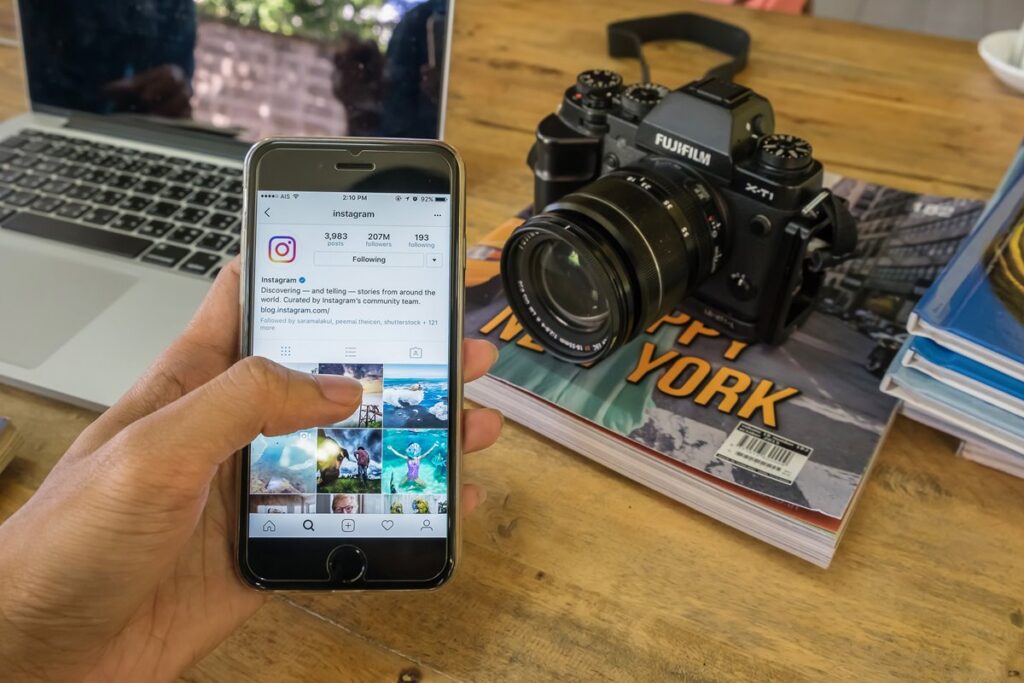
If your Instagram account has been subject to a block, there are ways to mitigate its effects and quickly regain full functionality.
As soon as you notice that Instagram has restricted your activity, immediately suspend the actions that may have led to the block. It’s advisable to wait several hours or days for the system to stop perceiving your account as a threat.
One of the most effective ways to avoid an action block is to use high-quality proxy servers, such as those offered by LocalProxies. Proxy servers help mask the user’s true IP address and allow access to Instagram from various locations. This is particularly useful when managing multiple accounts – dedicated residential proxies make each account appear as if it’s being accessed from a unique device and location, reducing the risk of detection.
Regularly logging into your Instagram account from different devices and Wi-Fi networks can raise suspicions with the platform’s security system. It’s recommended to use one stable connection or the aforementioned proxies to avoid marking the account as suspicious.
Some third-party apps may cause blocks, so it’s wise to check which services have access to your account and remove those you don’t use. Moreover, changing your password can help reset the system’s suspicions.
If you believe the block has been wrongly imposed, you can contact Instagram support and report the issue. In the “Help” section of the app, you’ll find the “Report a Problem” option, where you can describe your situation.
To reduce the risk of future action blocks, it is advisable to follow some guidelines:
An action block on Instagram can pose a serious problem for individuals and businesses managing multiple accounts. However, by adhering to the proper guidelines and using tools such as Residential proxy servers from LocalProxies, you can effectively minimize the risk of limitations and ensure a stable presence on the platform. Avoiding excessive activity, prioritizing genuine interactions, and employing secure login methods are the key elements of a strategy to prevent blocks.
© Copyright 2025 www.localproxies.com. All Rights Reserved.